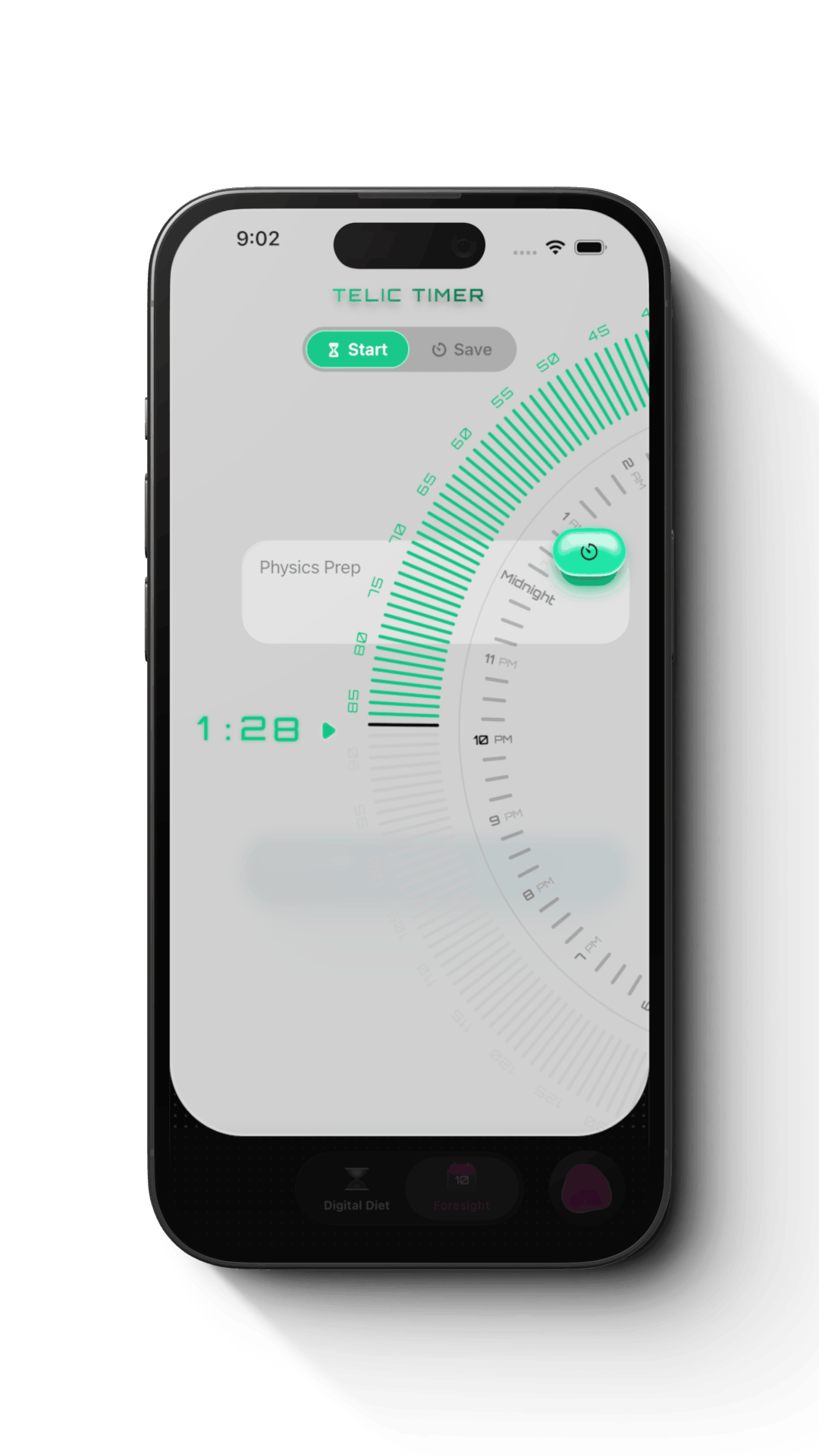
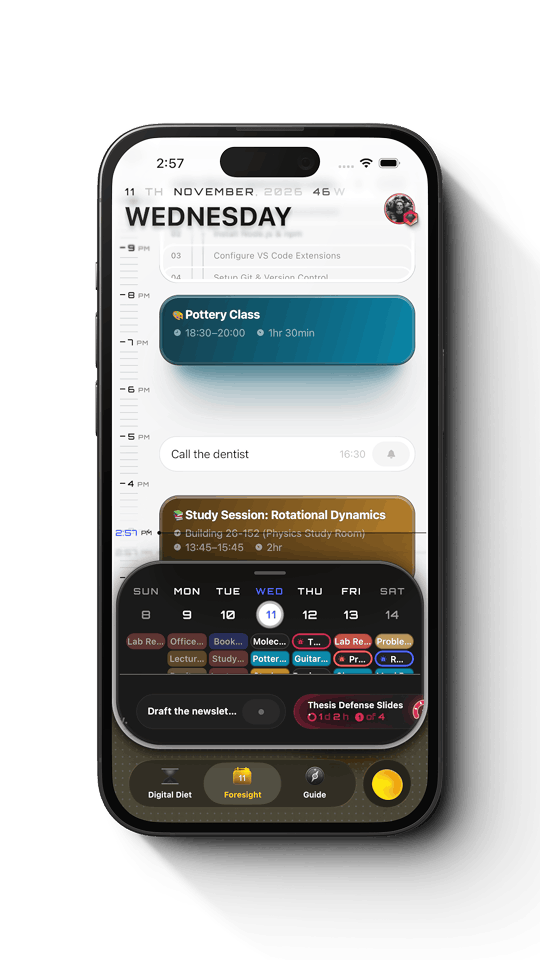
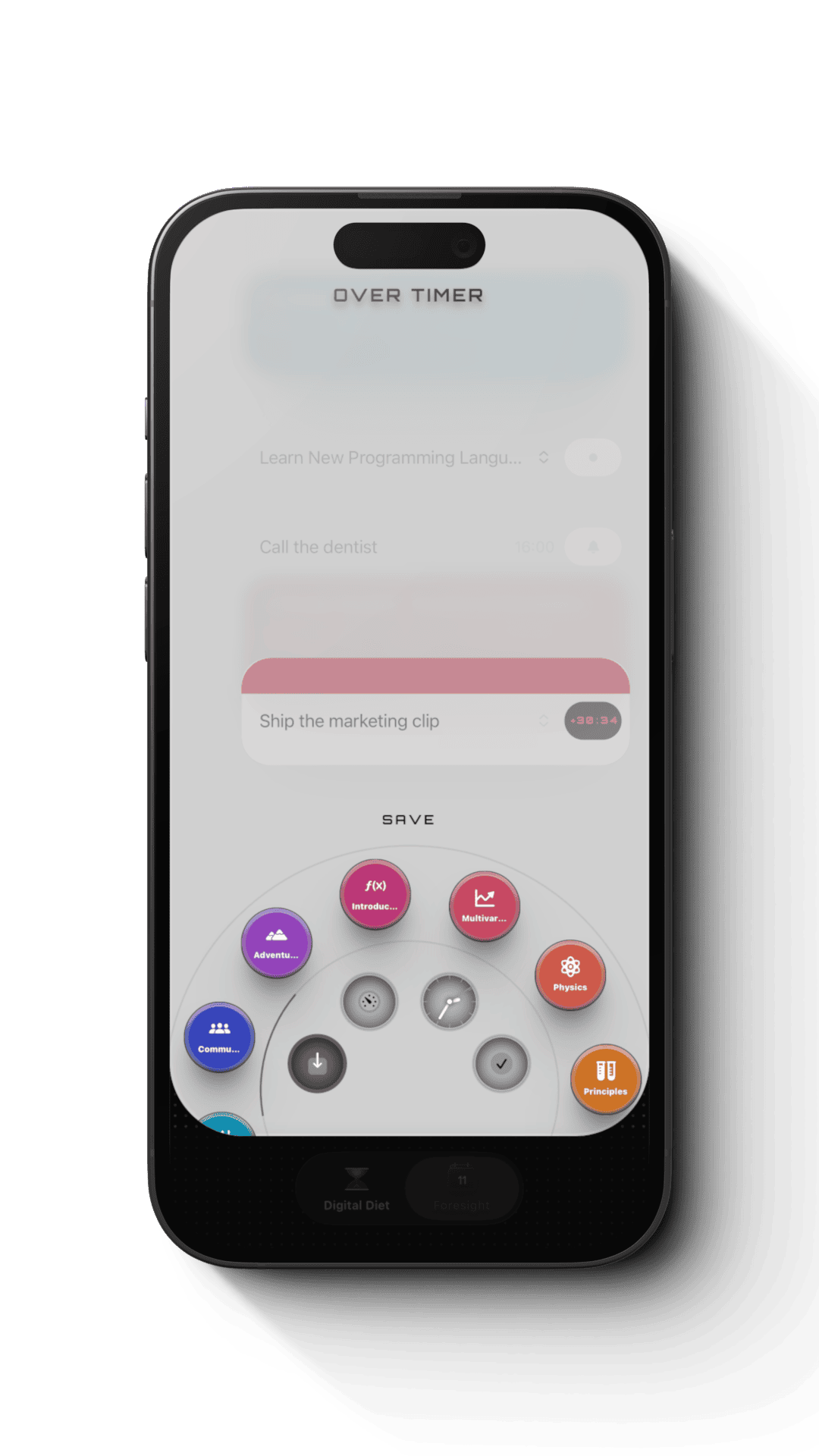
Drag up once to set your Telic Timer to start now, or save it for later. Others ripple out of the way while you get ready to lock in.
lock screen
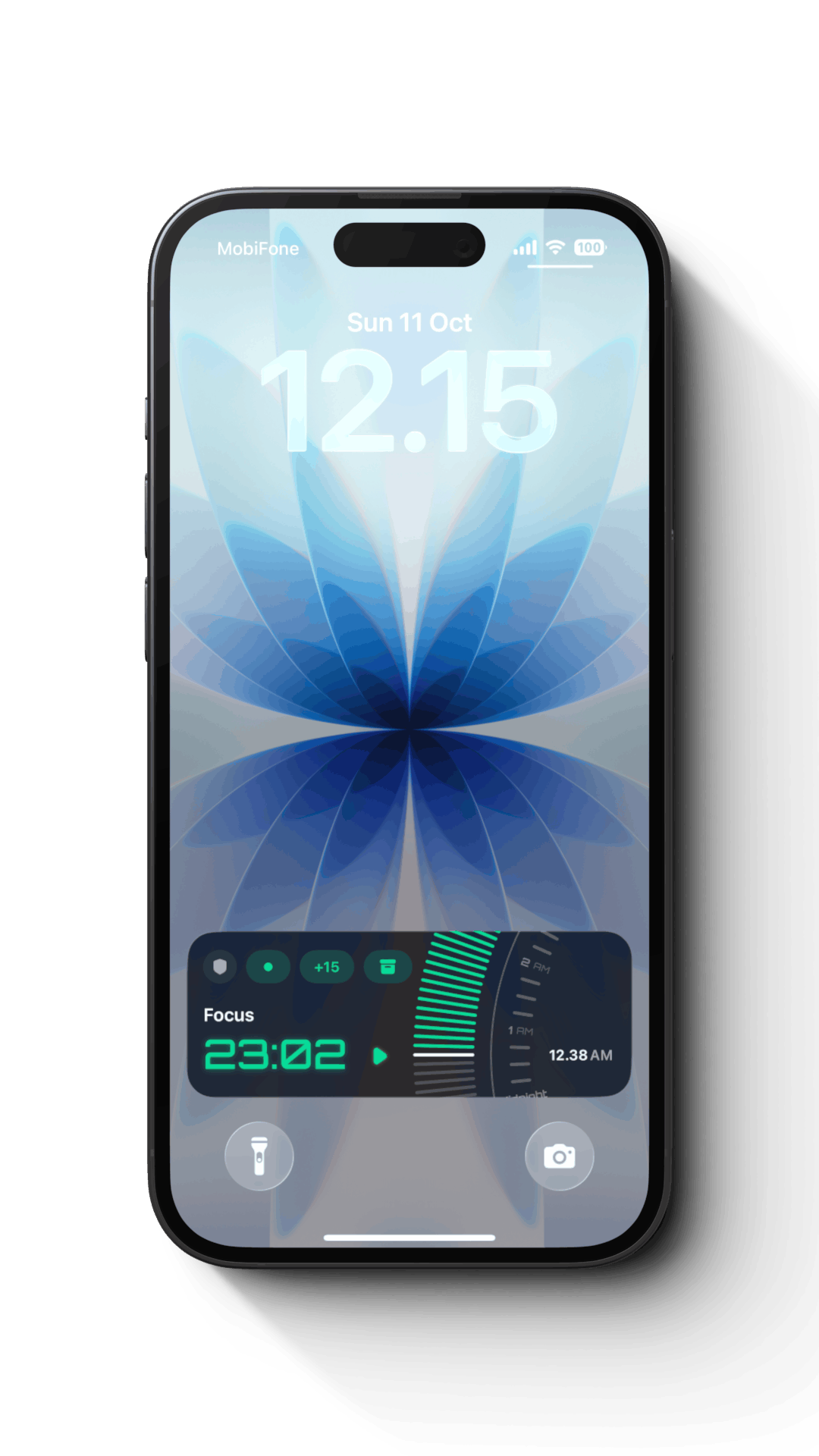
Keep both your phone and yourself locked in
Your session stays on the Lock Screen with a Live Activity, with shortcuts to extend, backlog, or check off without the unlock detour.
mac
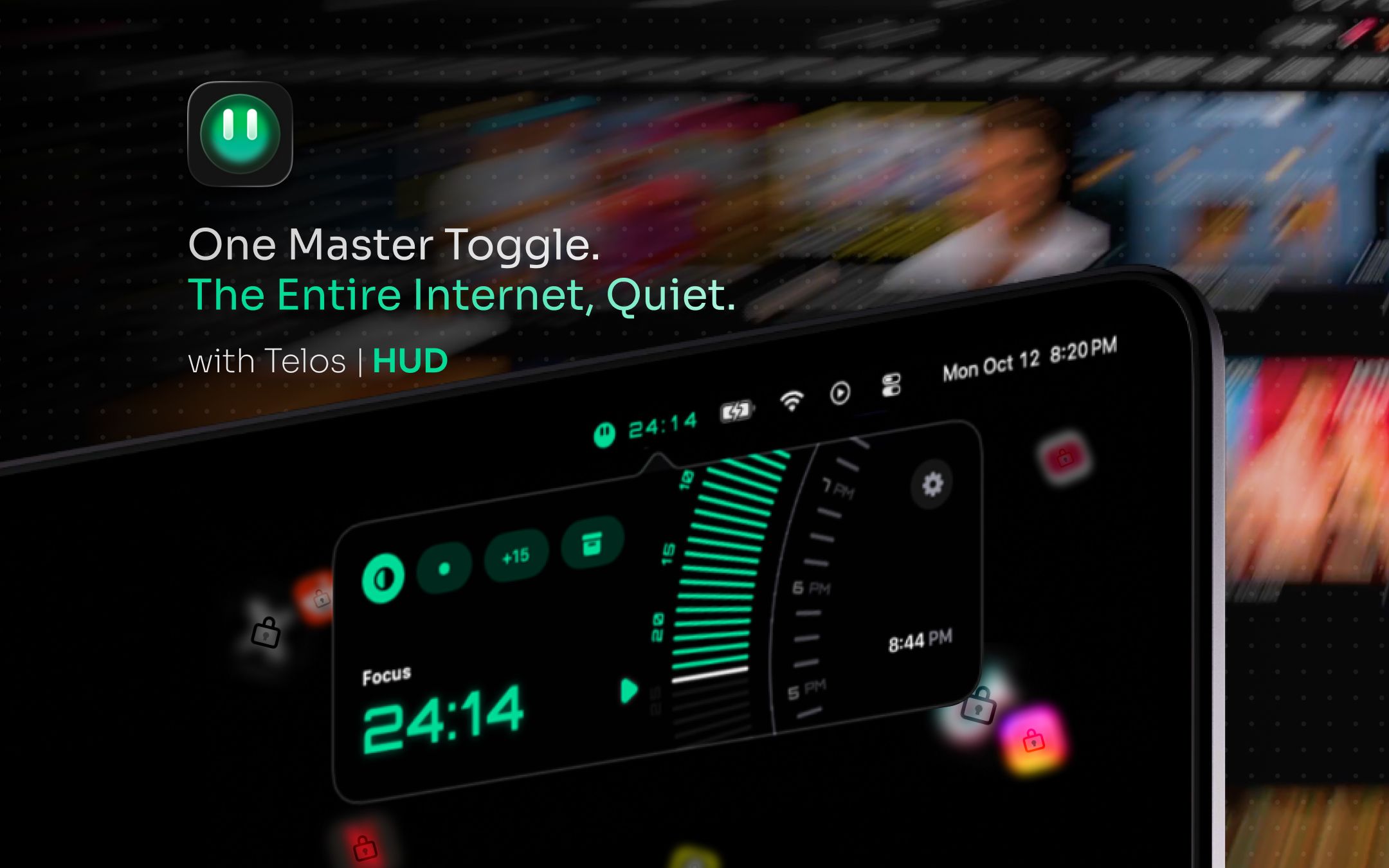
Heads Up Display always in sync
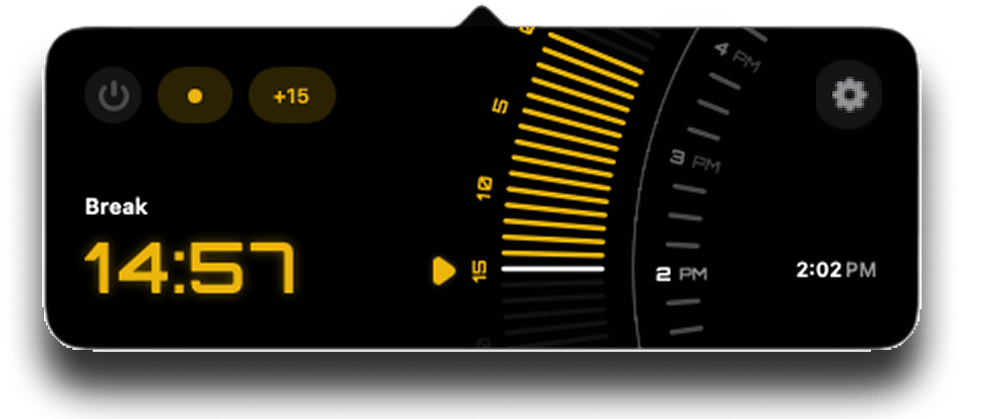
Pick up right where you left off with Telos HUD, showing your running timer in the menu bar with the same controls as your Live Activity.
Blinders
Keep The Sites Lose The Rabbit Holes
Keep Blinders always on, or have them adaptively turn on the moment a Telic Timer starts. Either way, sites stay usable, yet are relieved of their distracting recommendations. Need a breather? Take a 30-minute or 1-hour break, and Blinders switch back on by themselves.
blackout mode
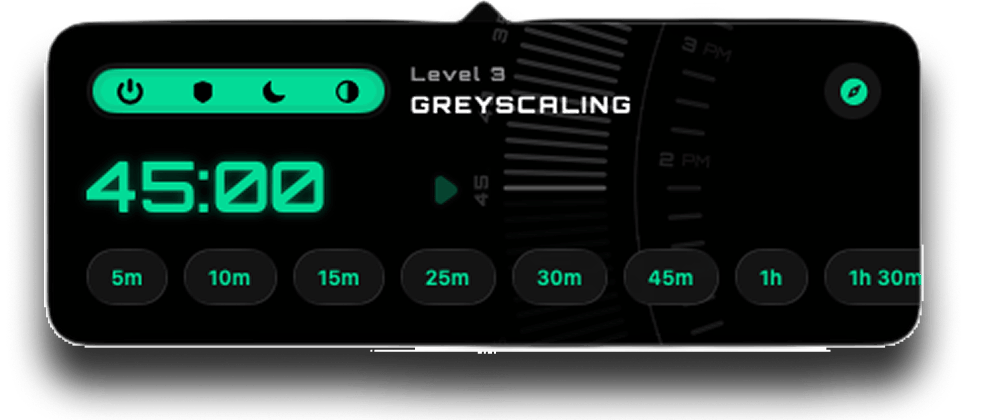
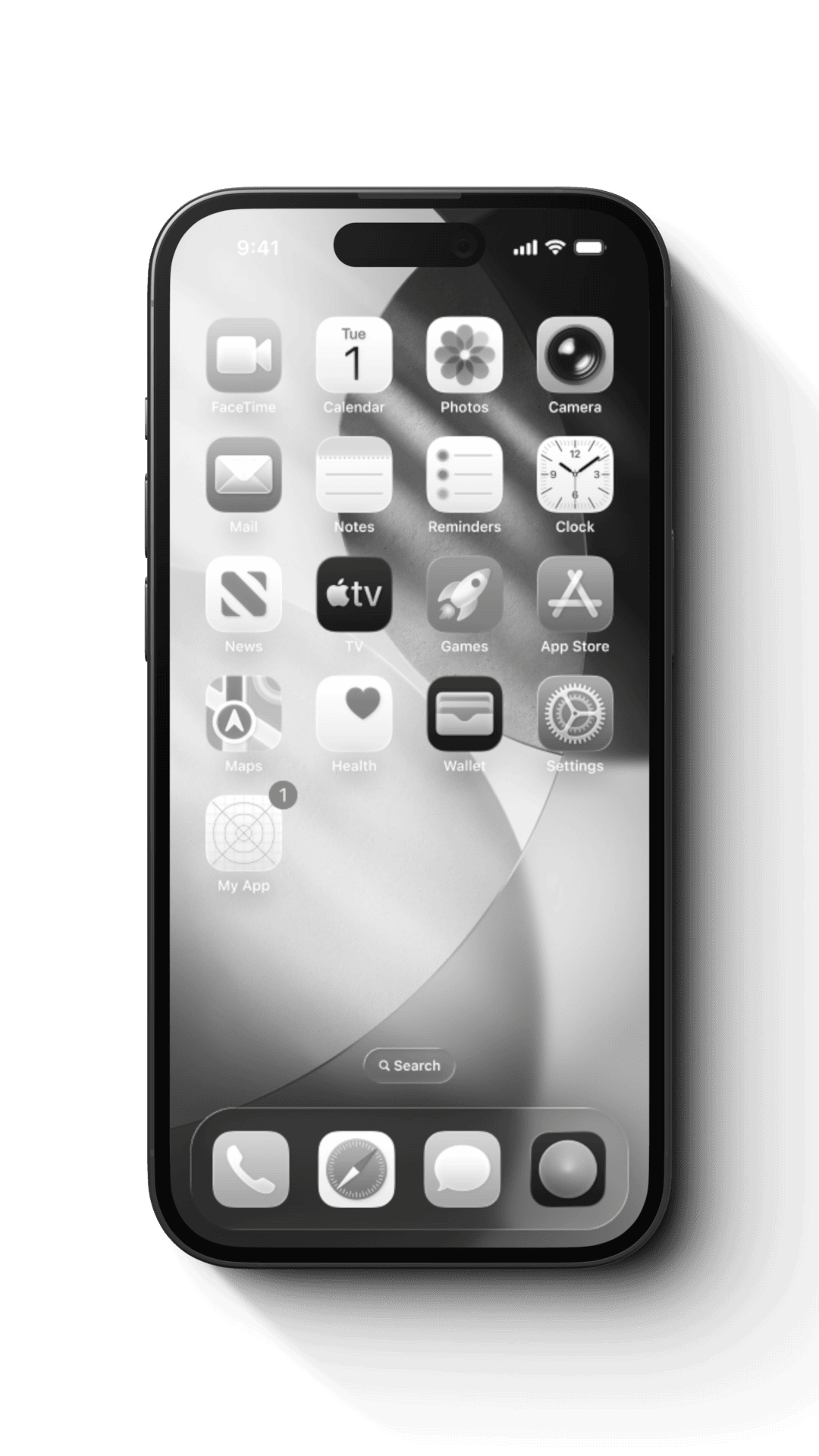
One press, and everything goes dark: no notifications, no bright colors, no recommendation feeds, no seductive apps pulling you in.
Shallow time
One press, and the lights come back on: a 15-minute, 30-minute, or 1-hour break before the quiet returns on its own.
over time
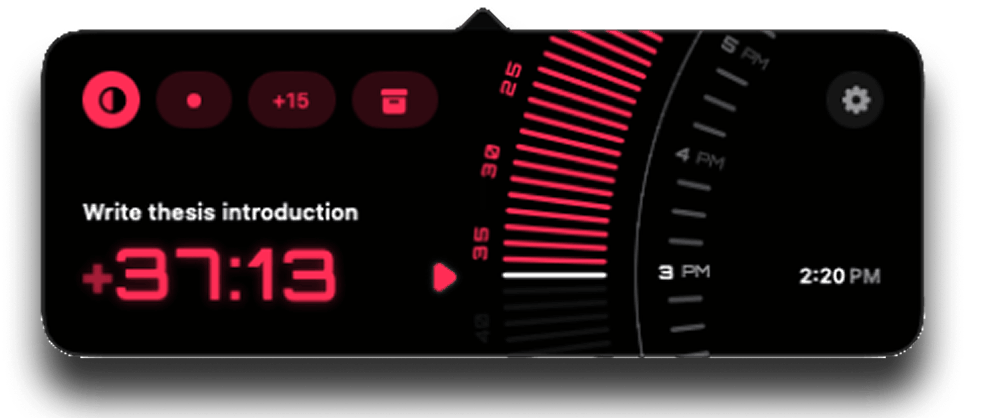
Run over, and the timer turns red: extend it, push it to your backlog, or check it off, on your Mac or iPhone.
Without Telos HUD, Blinders can be toggled manually. With Telos HUD, Blinders stay in sync locally with your iPhone and switch on and off with your Telic Timer.